
How to open FTP passive ports in cPanel/WHM
cPanel is a popular proprietary web hosting control panel on Linux systems that provides a host of tools for configuring…
How to Install LEMP Stack with PhpMyAdmin in Ubuntu 20.04
For those of you who don’t know what LEMP is – this is a combination of software packages – Linux,…
How to Install LAMP Stack with PhpMyAdmin in Ubuntu 20.04
LAMP stack is the combination of the most frequently used software packages to build dynamic websites. LAMP is an abbreviation that uses the…
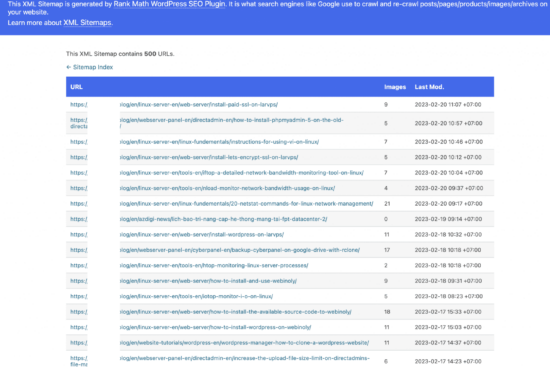
How to declare a Sitemap for Google Search Console
Once your website is finished, it is crucial to take proactive steps to ensure its visibility on Google, a powerful…
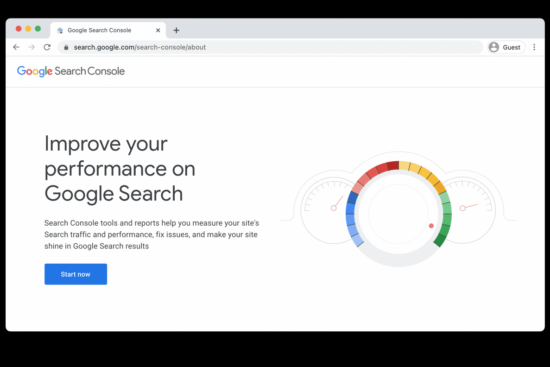
Authenticate Google Seach Console for Website
In this informative piece, Hongmanh.net will guide you through the process of verifying your website with Google Search Console, ensuring…

How to Install/Renew SSL Certificate for a domain in cPanel?
SSL stands for Secure Sockets Layer which enables encrypted communication between a web server and a web browser. It shows…

Installing SSL for a Domain Pointer on DirectAdmin
By default, DirectAdmin does not have SSL installation for domain pointers. Therefore, when using a Domain Pointer, only the main…
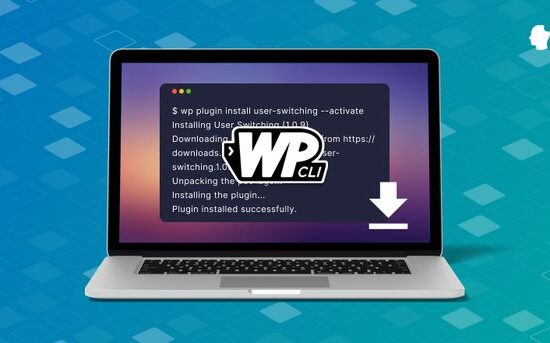
How To Install CLI For WordPress
The WP-CLI is a very diverse toolset that can be installed at the command line for managing WordPress websites. If…
How to reset and retrieve directadmin admin password using shell?
To reset and retrieve the DirectAdmin admin password using shell, you can follow these steps: Reset the direct admin password:…
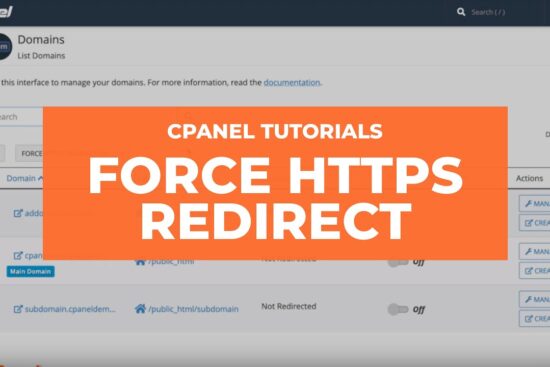
How to set forced HTTPS via cPanel?
You no longer need to manually enter a code in .htaccess file to force HTTPS redirection. cPanel taken care that…
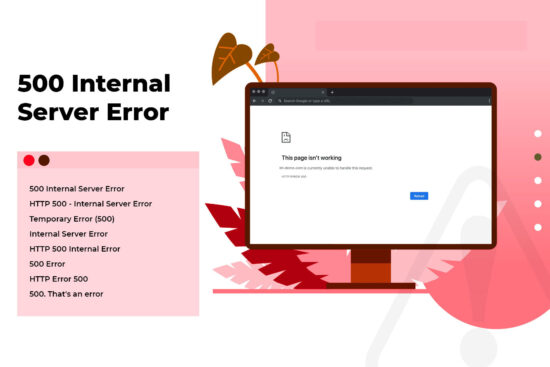
How to debug and fix 500 internal server error?
Are you hosting a website somewhere around the globe? Then most likely, you faced an INTERNAL SERVER ERROR. The error itself…

Ghost Win 10 22H2 – No & Full Soft, Update June 2023
Ghost Win 10 22H2 2023 is made from the original Win 10 22H2 installation (Update Build 19045.3086), with unnecessary apps…